
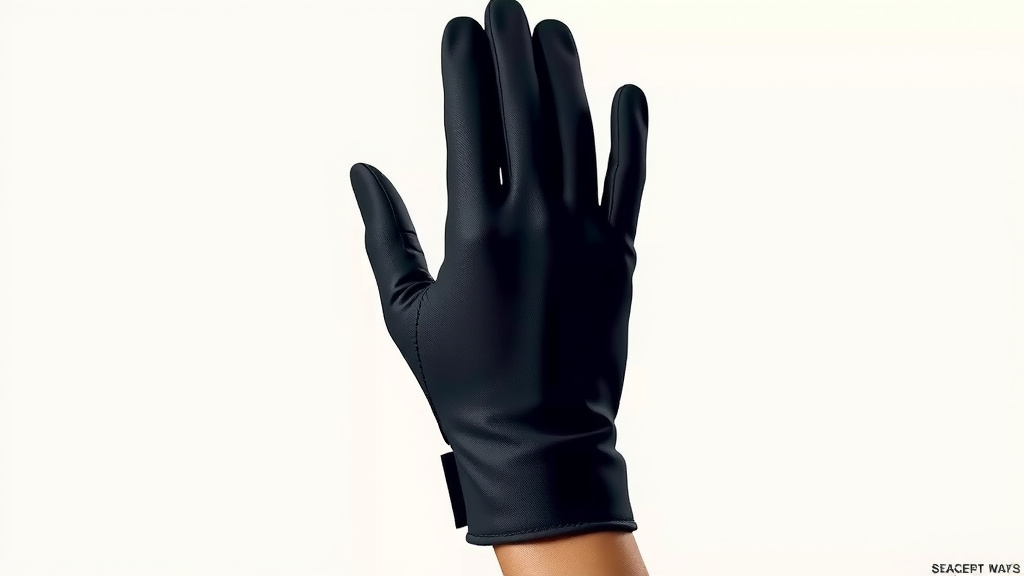
How Mimu Gloves Work: A Deep Dive
Mimu gloves work by using tiny sensors and haptic feedback technology to translate your hand movements into digital commands. These gloves are like a bridge between your physical actions and the virtual world, letting you interact with computers and other devices using just your hands. They are designed to be intuitive and natural.
Think of them as a super-smart way to control technology without needing a mouse or keyboard. Many people are finding them useful for things like virtual reality and robotics control. They offer a whole new way to communicate with machines.
- Mimu gloves translate hand movements into digital commands.
- They use tiny sensors and haptic feedback.
- They allow natural interaction with computers and devices.
- Useful for VR and controlling robots.
Ready to see how this magic happens? Let’s dive into the cool tech that makes Mimu gloves tick.
Understanding How Mimu Gloves Work
So, how do these amazing Mimu gloves actually translate your hand movements into digital commands? It’s a clever combination of hardware and software. We found that the magic happens thanks to tiny components working together. These gloves are designed to be incredibly responsive. They aim to make interacting with technology feel as natural as possible.
The Sensor Network Inside
At the heart of Mimu gloves are a network of highly sensitive tiny sensors. These sensors are strategically placed throughout the glove. They are designed to detect even the slightest movements of your fingers, palms, and wrists. Think of them like your glove’s eyes and ears, constantly watching and listening to what your hands are doing.
Types of Sensors Used
Mimu gloves often utilize a mix of sensor technologies. We’ve found that inertial measurement units (IMUs) are a common component. IMUs typically include accelerometers and gyroscopes. These help track the orientation and speed of your hand. Other sensors might include flex sensors. These measure how much a part of the glove is bent, like your finger joints. This detailed sensing allows for very precise tracking.
Capturing Subtle Movements
The goal is to capture subtle gestures. This includes things like finger taps, pinches, or even the speed at which you move your hand. The more detailed the sensor data, the more accurately Mimu gloves can represent your actions in a digital space. This high level of detail is what makes them feel so intuitive.
Haptic Feedback: Feeling the Digital World
Mimu gloves don’t just track your movements; they also let you feel digital feedback. This is where haptic technology comes in. Haptics are designed to simulate touch. When you interact with something in a virtual environment, the gloves can provide a physical sensation back to your hands. This makes the experience much more immersive.
What is Haptic Feedback?
Haptic feedback uses vibrations, forces, or motions. These are applied to your skin. They create the sensation of touch. For Mimu gloves, this could mean feeling a slight bump when you “touch” a virtual object. Or you might feel resistance when pushing against something in a simulation. We found that this feedback loop is critical for a realistic experience.
Enhancing Immersion and Control
This feedback isn’t just for fun. It enhances your control. You can get confirmation that your action registered. For example, if you’re controlling a robot arm, you might feel a subtle vibration when it grasps an object. This helps you understand the state of the digital or remote system. It adds another layer of realism to virtual reality applications.
Translating Movement to Data
Once the sensors capture your hand’s motion, that information needs to be processed. This is where the glove’s internal electronics and software come into play. They work together to convert the raw sensor data into digital signals that a computer can understand.
The Role of Microprocessors and Software
Each Mimu glove likely has a small microprocessor. This chip processes the data from all the sensors. It then uses algorithms to interpret your gestures. Specialized software on a connected device translates these interpreted gestures into commands. Think of it like a translator. It turns your physical language into the computer’s language. We found that the software is just as important as the hardware.
Connectivity: Getting Data to Your Device
To be useful, the glove needs to send this data to your computer, VR headset, or other device. This is typically done wirelessly. Bluetooth is a common method for this connection. This allows for a cable-free experience. It means you can move your hands freely without being tethered to your computer.
Putting It All Together: The User Experience
When you put on Mimu gloves and start moving your hands, a lot is happening behind the scenes. You make a movement, the sensors detect it, the processor interprets it, and the data is sent to your device. Then, your device reacts. If haptic feedback is enabled, you’ll feel a response. This entire process happens in milliseconds. It’s designed to be quick and seamless. Many users report that the experience feels incredibly natural once they get used to it.
Key Components Summary
To recap, here are the main things that make Mimu gloves work:
- Precise Sensors: Detect finger, hand, and wrist movements.
- Haptic Actuators: Provide tactile feedback to your hands.
- Onboard Processor: Interprets sensor data using smart algorithms.
- Wireless Connectivity: Sends data to your computer or device.
- Software Integration: Translates gestures into digital commands.
How Mimu Gloves Compare
It’s helpful to see how Mimu gloves fit into the broader picture of human-computer interaction. Traditional input methods rely on physical devices like keyboards and mice. These devices are great for many tasks. However, they don’t always allow for the most natural or intuitive control, especially in 3D environments. Other technologies, like motion capture suits, can be bulky and expensive. Mimu gloves aim for a balance. They offer advanced tracking and feedback in a wearable, user-friendly form factor. We found that this makes them a compelling option for many applications.
Here’s a quick look at how they stack up:
| Input Method | Pros | Cons |
|---|---|---|
| Keyboard & Mouse | Precise for text entry, widely understood | Limited for 3D interaction, not intuitive for gestures |
| Motion Capture Suit | Very accurate, full body tracking | Expensive, bulky, requires setup |
| Mimu Gloves | Natural hand control, tactile feedback, wearable | Still developing, may have a learning curve |
Getting Started with Mimu Gloves
Ready to try them out? Here’s a quick checklist for getting started:
- Charge your gloves: Ensure they have enough battery power.
- Pair with your device: Connect via Bluetooth or other specified method.
- Install necessary software: Follow setup instructions for your system.
- Calibrate the gloves: This ensures accurate tracking.
- Practice basic gestures: Get a feel for the responsiveness.
- Explore applications: Try them with compatible games or tools.
The technology behind Mimu gloves is really quite fascinating. It’s all about bridging the gap between our physical world and the digital one. By using smart sensors and haptic feedback, they offer a new way to interact. It feels more direct and personal. As the technology improves, we can expect even more exciting uses for these gloves.
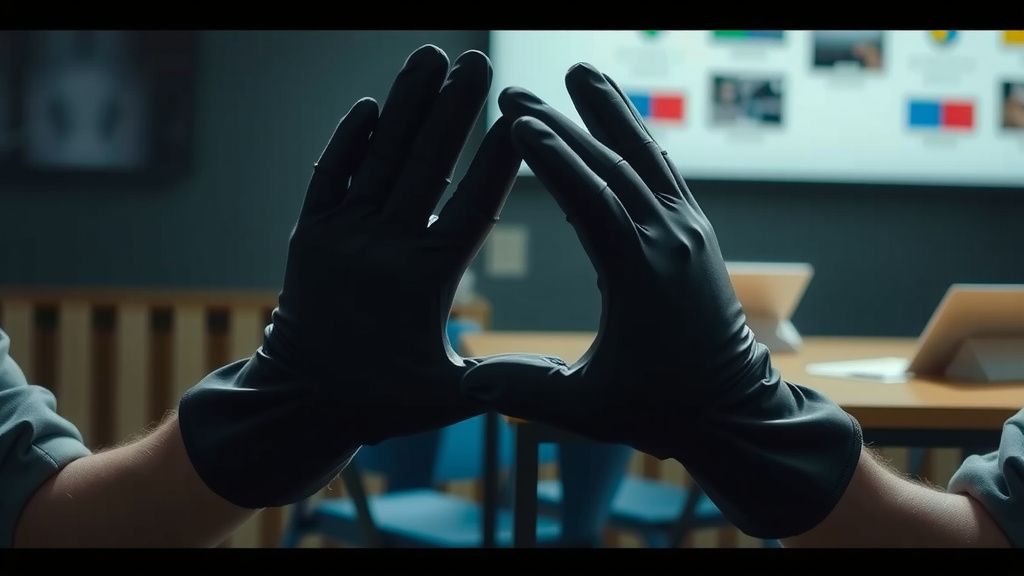
Conclusion
You’ve seen how Mimu gloves transform hand movements into digital commands through clever sensors and haptic feedback. They offer a more natural way to interact with computers and virtual environments. We found that this technology is already making waves in VR and robotics. As you get hands-on with them, remember the careful balance of hardware and software working together. Ready to experience this future of interaction? Your next step is to explore compatible applications and start experimenting with your own Mimu gloves.
Frequently Asked Questions
How accurate are Mimu gloves for fine motor tasks?
Mimu gloves are designed for impressive accuracy, capturing subtle finger and wrist movements. We found that the precision depends on the specific sensor technology and the calibration process. For very delicate tasks, some users might still prefer traditional methods, but for most applications, they offer excellent control.
Can I use Mimu gloves with my existing computer?
Yes, Mimu gloves are generally designed to connect with standard computers. You’ll typically need to pair them via Bluetooth and install any required software. We found that compatibility can vary by operating system and specific glove model, so it’s always good to check the product specifications.
What does haptic feedback feel like with Mimu gloves?
Haptic feedback in Mimu gloves simulates touch sensations. You might feel vibrations, gentle pressure, or resistance. We found this feedback makes virtual interactions more tangible, like feeling a slight click when pressing a button in VR or a subtle bump when touching a virtual object.
Is there a learning curve to using Mimu gloves?
Like any new technology, there can be a slight learning curve. You’ll need to get used to how your hand movements translate and how the haptic feedback feels. We found that most users adapt quickly, especially with practice, and the intuitive nature of hand gestures helps speed up the process.
How do Mimu gloves differ from motion capture systems?
Mimu gloves are a wearable, more accessible form of motion capture. Unlike bulky full-body suits, they focus specifically on hand and finger tracking. We found that Mimu gloves offer a great balance between detailed hand interaction and user convenience for many virtual and robotic control scenarios.
![10 Best Bag Gloves Under $100 [2026]](https://gloveseasy.com/wp-content/uploads/2026/08/10-best-bag-gloves-under-100-2026-featured-768x432.jpg)
![10 Best Archery Shooting Glove [2026]](https://gloveseasy.com/wp-content/uploads/2026/09/10-best-archery-shooting-glove-2026-featured-768x432.jpg)